

The desktop vs cloud accounting decision starts with where your bookkeeping happens. A business with one person working at one computer has different needs from a team approving invoices across several locations. Choose the arrangement that fits the people and tasks involved, then compare costs.
Map who needs access
List every person who needs to see or change the records: the owner, bookkeeper, accountant and anyone raising invoices. Note whether they work at the same time. Occasional report sharing is different from simultaneous editing, and an extra installation is not automatically an extra licensed user.
A locally stored company file can work well when one person controls the process. A browser-based system may be easier when people need current information from different places. Hosted desktop services are another possibility, but they introduce separate hosting costs and responsibilities. Compare the actual setup being offered rather than treating all desktop products as identical.
Compare the operational trade-offs
| Question | Local desktop workflow | Cloud workflow |
|---|---|---|
| Where is the working file? | Usually on a designated computer or server | Managed through the provider’s service |
| Who arranges recovery? | You need a tested backup and restore process | Check provider recovery features and your export options |
| How do colleagues collaborate? | Check licensed multi-user or file-sharing arrangements | Check plan user limits and permission controls |
| What happens without internet? | Some local tasks may continue; services vary | Core browser access normally depends on connectivity |
| What creates extra cost? | Support, hardware, backup or hosting | Plan upgrades, additional services or users |
Do not confuse cloud storage with recovery
A file syncing to another location is not the same as a tested recovery plan. A mistaken edit or deletion may also sync. For either approach, find out whether you can recover an earlier state, how far back that recovery goes and who performs it. Keep readable exports of essential reports as part of your records process.
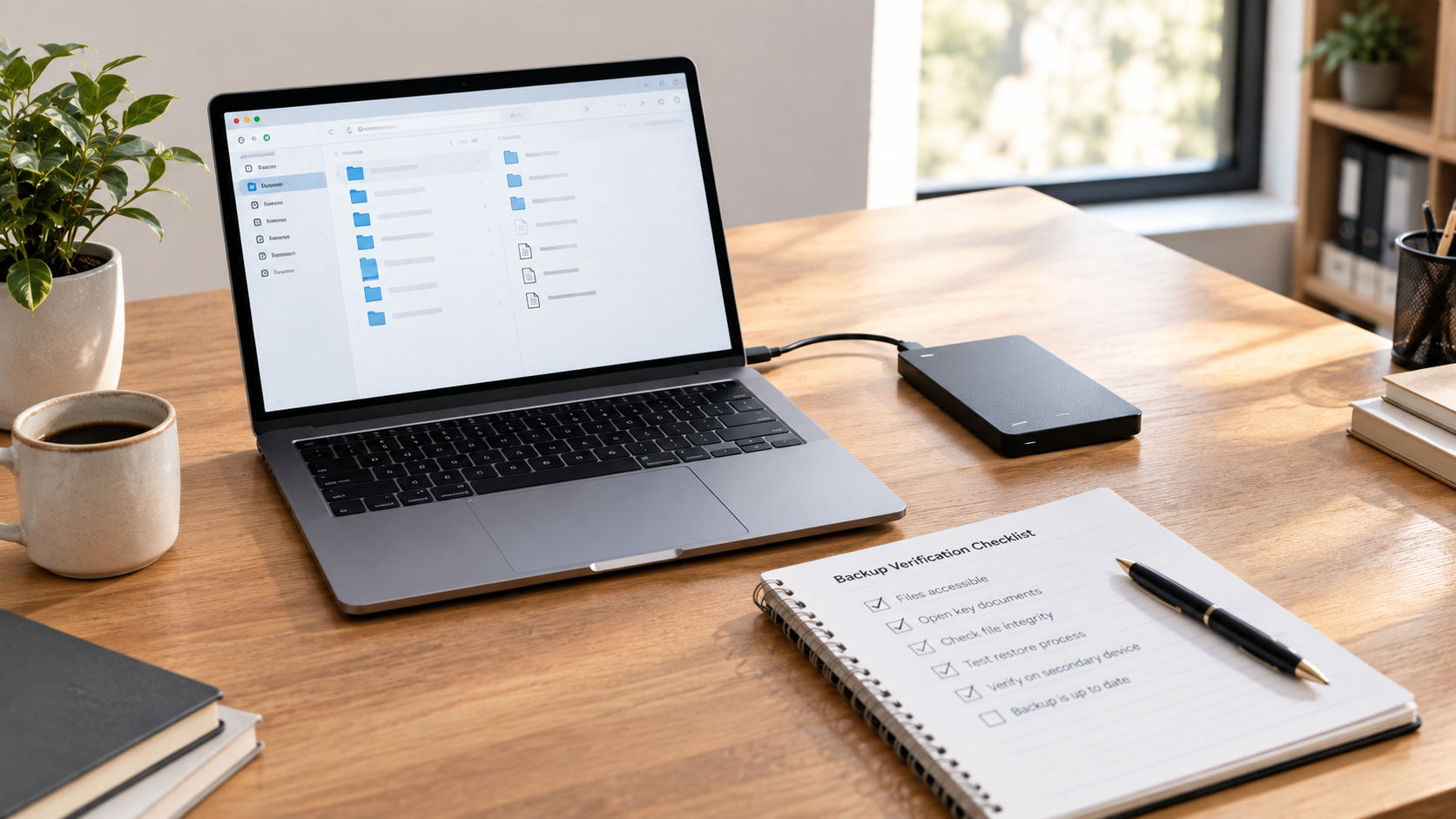
For desktop software, nominate someone to check backups and test restoring a copy. For cloud software, review the provider’s documented recovery and export options. Decide how the business would access invoices and balances during an outage. This is a practical continuity question, not a reason to assume one model is always safer.
Measure collaboration instead of guessing
Try a realistic handoff. Ask the person who prepares your accounts what they need each month. Can they work from reports, or must they inspect transactions? Do they support the exact edition you are considering? Include any time spent exporting, importing or resolving multiple copies in the comparison.
Imagine an owner who emails a file on Monday and keeps entering transactions on Tuesday. If the accountant returns a different copy on Wednesday, somebody must reconcile the changes. A clear handoff procedure may solve the problem, but the procedure needs to exist before the business relies on it.
Choose with a one-week trial
Test representative work in a sample company: create an invoice, record a payment, review an expense, produce a report and share it. Track the time and any steps that feel fragile. Do not enter sensitive live data into an unfamiliar service merely to try it.
Then score each option against your three most important requirements. If remote collaboration is essential, give it more weight than a small price difference. If one person works locally and handles backups confidently, local software may deserve closer examination.
For purchase costs and alternatives, see our bookkeeping cost comparison. The featured Windows US product is one option to investigate; confirm the supplied licence and system requirements, and remember that payroll is not included.

Leave a Reply