
Bookkeeping software for freelancers should make three questions easy to answer: who owes you money, what you have spent and whether your records match your accounts. Start there before paying for features designed for a much larger business.
Follow one project from quote to payment
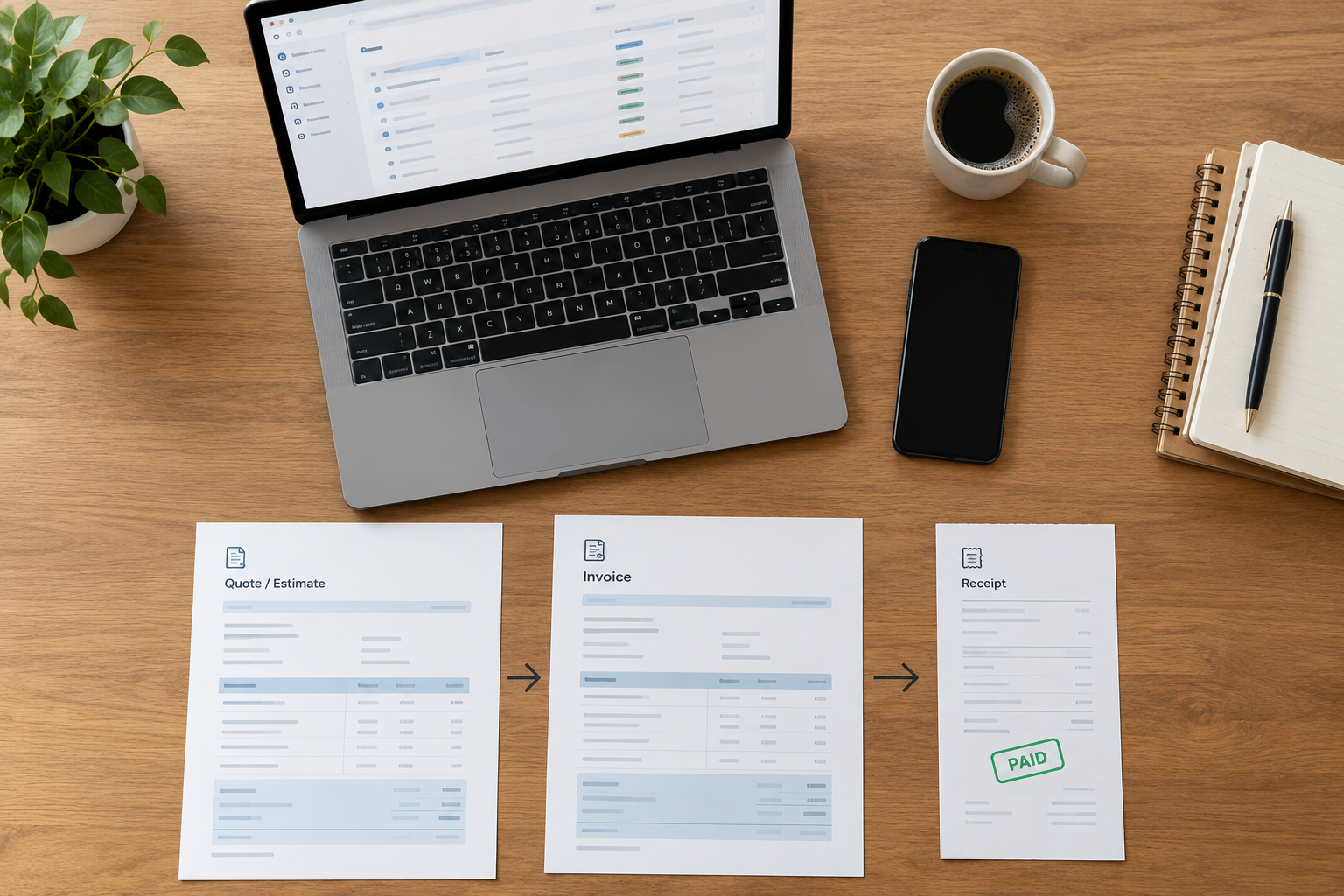
Choose a typical project and map its documents. You may send an estimate, collect an advance, issue a final invoice and receive payment after a delay. Your system needs to distinguish each stage. An estimate is not cash received, and an invoice marked sent is not the same as an invoice paid.
If you work with repeat clients, check how easily you can reuse customer details and describe the service provided. If your clients require purchase-order references, test that field too. Small administrative details can matter more than a dashboard full of charts.
Test the situations you actually encounter
| Freelance situation | What to test |
|---|---|
| Client pays in two installments | Allocate both payments to the correct invoice |
| A job is cancelled or reduced | Record a credit or refund without deleting history |
| You pay for project materials | Keep the receipt and project reference together |
| A processor deducts a fee | Separate the client’s payment from the processing cost |
| Your accountant reviews quarterly | Export a readable transaction list and required reports |
Keep personal spending out of the routine
Use a clearly defined process for business transactions and record any owner-funded purchases separately from customer income. A transfer from your own savings is not a new client sale. If you are unsure which account should receive a transaction, flag it for review instead of choosing a convenient category merely to clear the screen.
Capture receipts while the context is fresh. Add a short explanation when a merchant name does not reveal the purpose. The US IRS discusses supporting records in its recordkeeping guidance; requirements vary by location and circumstances.

Decide how much automation you need
Automatic imports can reduce typing, but someone still needs to identify transfers, match payments and review categories. If you have only a few transactions, a reliable manual routine may be manageable. If you spend hours collecting records, document capture or bank connectivity may justify additional cost.
Do not buy a large plan simply because you expect to grow. Identify the specific event that would require an upgrade, such as bringing in another bookkeeper or handling stock. A clear upgrade trigger is more useful than paying today for every possible future feature.
Build a repeatable weekly session
Once a week, record new expenses, match customer receipts, check overdue invoices and resolve unknown transactions. Keep a short exceptions list for questions that need a client or accountant’s answer. At month end, reconcile each account to its statement and save the reports you need.
For example, a designer with four active clients could review each open invoice every Friday. An invoice partly paid should show the remaining balance, the due date and the last follow-up. That small routine prevents a paid deposit from hiding an unpaid final bill.
Make the purchase decision
Try your representative project in a sample company before selecting a product. Check device compatibility, licence conditions, report exports and how you would recover your records after a failure. If you need payroll, evaluate it separately.
For alternatives, read our guide to affordable bookkeeping. The featured Windows US desktop listing may suit some local workflows, subject to its exact terms and compatibility. Payroll is not included.

Leave a Reply